
How to Pair Bluetooth Earbuds (and Fix Pairing Problems)
By TezKhareed Team · Updated 5 August 2026
Most pairing problems come from the same two causes: the earbuds are still connected to a device you forgot about, or the two buds have fallen out of sync with each other. Here is the clean way to pair, and the fixes for when it goes wrong.
First-time pairing
- Charge the case for 30 minutes. New earbuds often ship nearly flat, and a low primary bud is the single most common reason pairing "fails".
- Open the case next to your phone and take both buds out, or leave them in with the lid open — check your model; some pair from the case, some from the hand.
- The LED should blink white/blue. If it does not, hold the touch panels (or the case button) for 5–10 seconds until it does — that forces pairing mode.
- On the phone, open Bluetooth settings, wait for the earbuds' name to appear, and tap it once.
- Play something. Audio should come from both sides.
Android specifics
- After pairing, tap the gear icon next to the device and enable Media audio and Phone calls if they are not already on.
- If you use Google Fast Pair earbuds, a card pops up automatically when you open the case — tap Connect and skip the manual steps.
iPhone specifics
- Non-Apple earbuds pair through Settings → Bluetooth like any other device; there is no pop-up card.
- If calls route to the earbuds but media does not (or vice versa), forget the device and re-pair — iOS occasionally sets only one profile.
Fixes for common failures
Only one earbud connects. The buds have lost sync. Put both in the case, hold the case button for about 10 seconds until both LEDs flash, then delete the device from your phone's Bluetooth list and pair again from scratch.
"No devices found." The earbuds are still connected to another phone, a laptop, or a TV in the room. Turn Bluetooth off on that device, or factory-reset the earbuds (case button, 10 seconds) and retry.
They connect but keep cutting out. That is interference or a firmware issue, not pairing — we cover it in Why Do Wireless Earbuds Keep Disconnecting?.
They connect but there is no sound. Check the phone is not still playing to a different output, raise the media volume specifically (not ringer volume), and clean the mesh on the buds — wax blocks the driver and sounds like a dead channel.
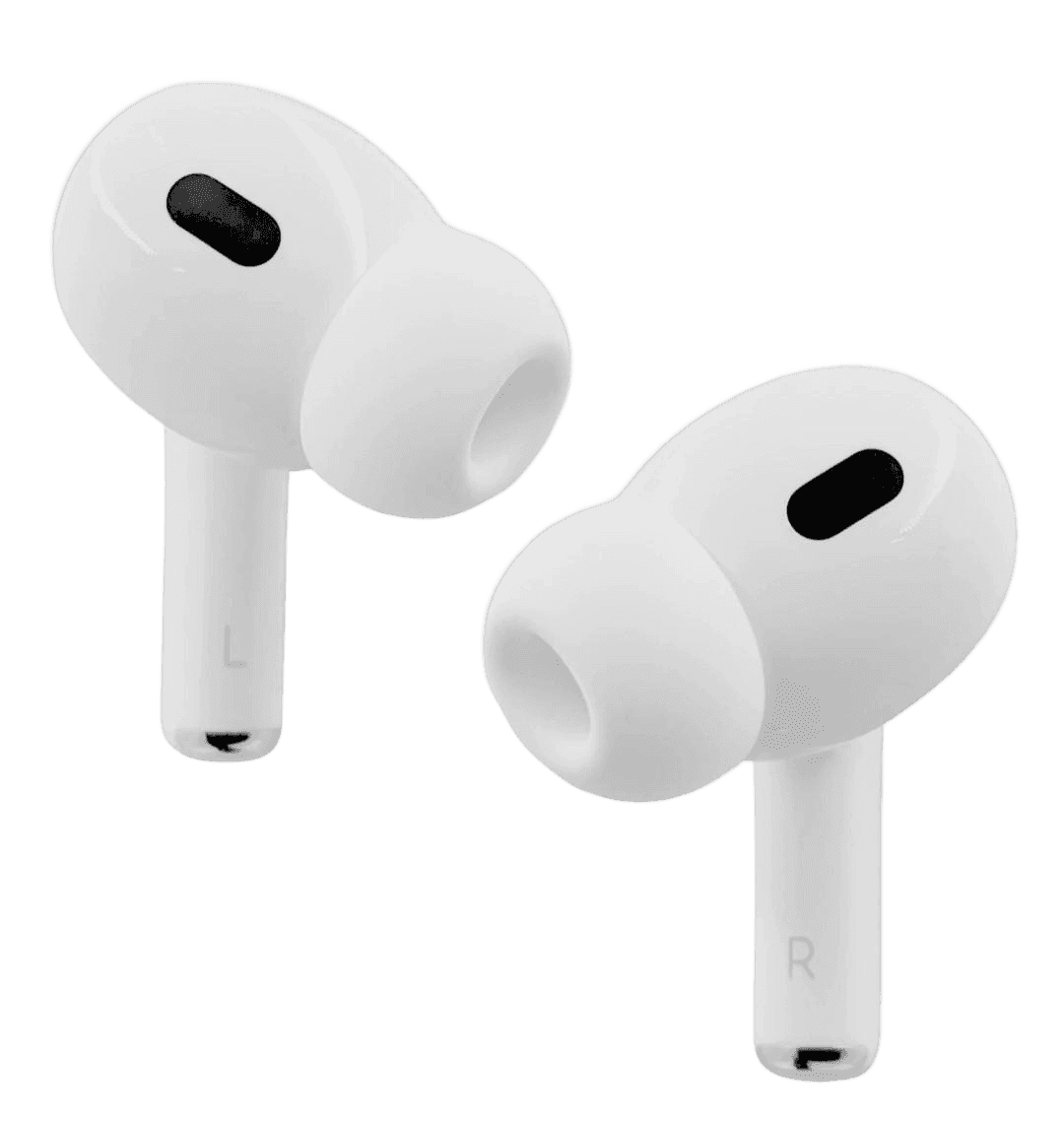
Still stuck after a factory reset? If the set is from us, message the order number on WhatsApp — a bud that will not hold sync after a reset is a warranty replacement. Browse wireless earbuds or see the AirPods Pro 2 (Buzzer Edition).
Frequently asked questions
Why does only one earbud connect?+
The buds have lost sync with each other. Put both in the case, hold the case button 10 seconds to reset, then re-pair from scratch.
Why do my earbuds keep disconnecting?+
Usually Bluetooth interference or low battery on the primary bud. Move away from Wi-Fi routers and microwaves, and update the earbud firmware in the app.
Part of our Wireless Earbuds guides.